Julius AI handles one-off questions against spreadsheets and CSVs well enough, but it shows limits quickly when teams need repeatable workflows, direct warehouse access on affordable plans, or collaboration beyond individual sessions. If those gaps are why you're looking, the tools below offer different tradeoffs worth considering.
How we evaluated
Tools ranked by data source depth, AI querying quality, collaboration features, and pricing transparency. Enterprise-only tools with no public pricing rank lower for accessibility. The core question: how well does each tool replace Julius's use case — natural language data exploration without writing code — for a broader range of team types and workflows.
Hex
Hex combines agentic data notebooks, a conversational self-serve layer (Threads), and shareable data apps in one platform. Analysts work in notebooks with SQL, Python, and chart cells; non-technical users ask questions in plain English through Threads. Both modes are backed by a shared semantic context engine that keeps answers consistent.
Strengths
- Notebooks, conversational self-serve, and data apps unified in a single platform
- Threads agent lets non-technical users ask plain-language questions without touching the notebook
- Context Studio builds a shared semantic layer that improves AI accuracy over time
- Generous free Community plan with all cell types and data source connections included
- MCP server support for Claude and Cursor; deep warehouse integrations with OAuth
Limitations
- Per-seat pricing ($36–$75/editor/mo) scales up fast for larger teams
- SSO, audit logs, and HIPAA compliance require Enterprise (custom pricing)
Fabi.ai
Fabi.ai is an AI-native BI platform built around Smartbooks — collaborative notebooks that blend SQL, Python, and no-code blocks in a single canvas. It targets product and GTM teams that need fast ad hoc analysis alongside repeatable scheduled workflows and shareable dashboards.
Strengths
- Smartbooks combine SQL, Python, and no-code in one interface, accessible to all skill levels
- Broad integration ecosystem: PostHog, HubSpot, Stripe, Supabase, dbt, Airtable, and more
- Per-seat pricing is affordable for small teams at $39–$50/seat/mo
- MCP server support for external LLM and chat integration
- GitHub and Bitbucket integration for version-controlled analysis
Limitations
- App connectors cost an extra $100/connector/mo on the Builder plan
- Free Starter tier limited to 25 AI requests/month and 5 Smartbooks
Dot
Dot is an AI data analyst that operates inside Slack, Microsoft Teams, and email — the tools your team is already using. It writes SQL, generates charts, and delivers scheduled executive-ready reports without requiring anyone to open a separate analytics interface.
Strengths
- Answers data questions directly inside Slack and Microsoft Teams with no context switching
- 20+ data connectors including BI tools like Looker, Tableau, Power BI, and Metabase
- Unlimited users on all paid plans — pricing is per workspace, not per seat
- Row-level security and SSO (Okta, Azure, Google) on the Team plan
- Automated PowerPoint report generation delivered on a schedule
Limitations
- Credit-based pricing ($1.44–$1.80/credit overage) can become expensive at high query volumes
- No ongoing free tier — 300 one-time credits, then paid plans start at $180/mo
Product Analyst
Still digging through dashboards?
Ask any product data question and get answers in seconds — no SQL, no waiting.
Try Product Analyst — Free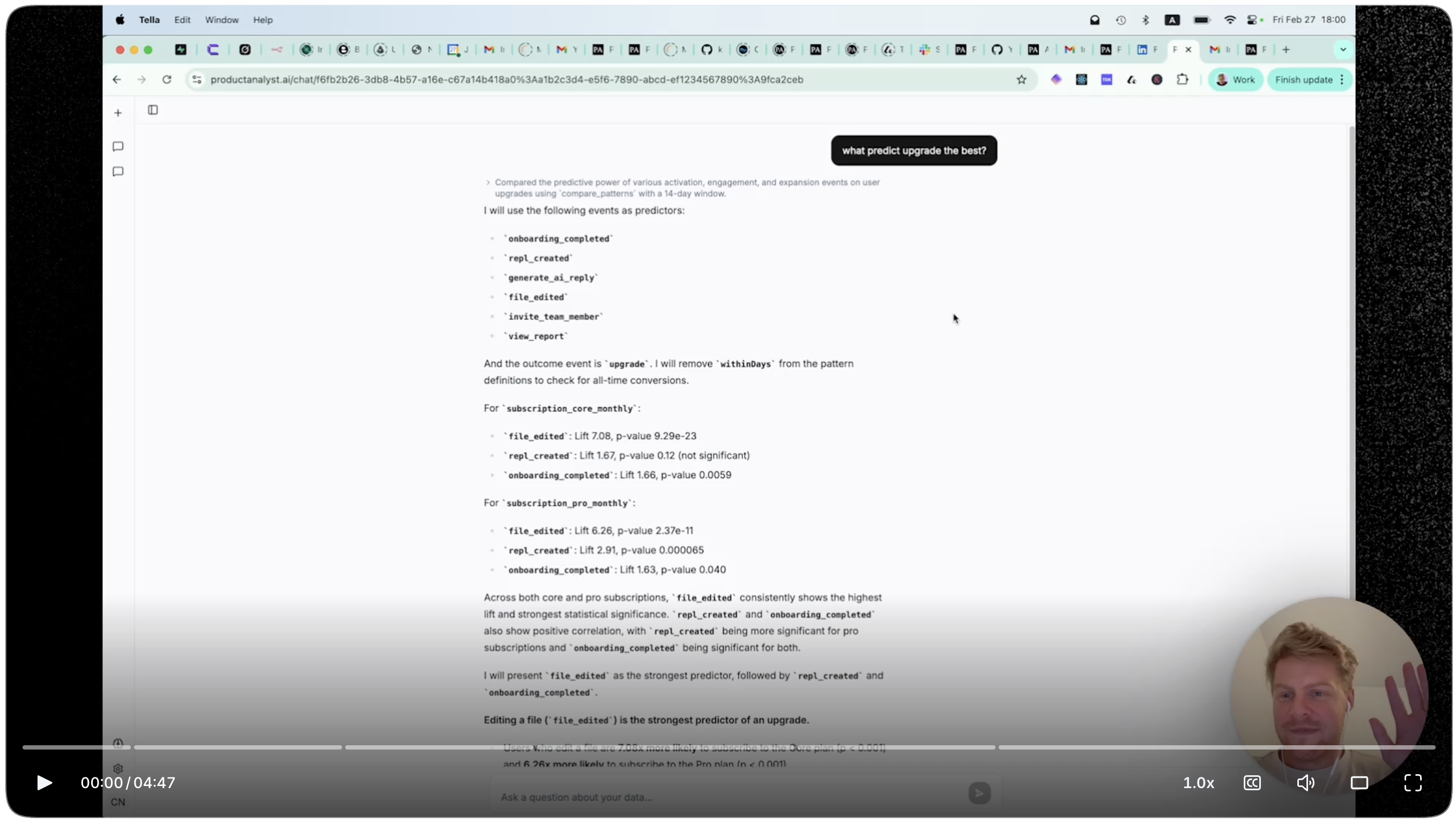
TextQL
TextQL deploys autonomous AI data analyst agents that connect to your warehouses and SaaS tools to answer complex, multi-source questions, run playbooks on a schedule, and maintain persistent dashboards. Built for enterprise-scale data environments where data is messy and distributed across systems.
Strengths
- Generous free tier: $100/mo in credits, 3 seats, unlimited connectors with full feature access
- Enterprise deployment options: cloud, VPC, on-prem, and air-gapped
- HIPAA and SOC2 compliance available on the $250/mo Team plan
- Supports multiple LLMs — Claude, Gemini, OpenAI — switchable per workload
- Ontology builder creates shared business definitions that improve AI accuracy over time
Limitations
- Compute costs are usage-based and can be difficult to predict at scale
- Enterprise features (dedicated infrastructure, custom model fine-tuning) require custom pricing
Sequel
Sequel is a lightweight AI BI tool that translates natural language into optimized SQL and returns visualizations directly from your live database. Minimal setup, clean UI, and the most accessible price point on this list make it an easy on-ramp for small teams.
Strengths
- Professional plan at $19/user/mo — lowest paid entry price in this comparison
- Free tier available with no credit card required (1 database, 50 AI queries)
- Self-hosted deployment option for teams with data residency requirements
- Supports modern databases including Cloudflare D1, TursoDB, Neon, and Supabase
- Schema auto-detection handles multi-table join queries from natural language without manual setup
Limitations
- Slack bot integration is listed as coming soon and not yet available
- No SSO, RBAC, or audit logging — not suited for enterprise compliance requirements
Graphed
Graphed connects to 750+ data sources — more than any other tool here — and includes a fully managed data pipeline, cloud warehouse, and semantic layer out of the box. Ask a business question in plain English and get a live, auto-updating dashboard without configuring any infrastructure.
Strengths
- 750+ pre-built data source connectors covering ad platforms, e-commerce, CRMs, and databases
- Fully managed infrastructure — no separate ETL tool, data warehouse, or semantic layer to set up
- Live dashboards that auto-update without manual refresh or scheduled queries
- MCP server support for IDE-based AI assistants (Cursor, Claude Code, Windsurf)
- Zero technical skills required for setup and day-to-day querying
Limitations
- No free tier — 14-day trial only, then Pro starts at $500/mo
- No enterprise plan listed; may not suit organizations with advanced compliance or security needs
Product Analyst
Product Analyst is an AI-powered analytics tool built specifically for B2B SaaS teams. It surfaces signals through account-level health scores, churn risk indicators, and expansion potential. It's designed to layer on top of existing tracking tools rather than replace them.
Strengths
- Account-level health scores and churn risk signals surfaced automatically without manual query work
- Works as an AI layer alongside existing tools like Amplitude, PostHog, or Mixpanel
- Focused on B2B SaaS metrics — health scores, expansion signals — that general-purpose tools don't prioritize
- Free tier available with paid plans starting at $49/mo
Limitations
- Newer product with a smaller track record compared to the established tools on this list
- Not a general-purpose Julius replacement — narrowly focused on B2B SaaS product metrics
- Requires an existing analytics stack to get full value from the signals it surfaces
Loops
Loops uses proprietary causal inference models to automatically detect why KPIs change, identify the root causes of metric drops, and measure product release impact without A/B tests. The most specialized tool in this comparison — not a general data analyst, but a KPI intelligence layer.
Strengths
- Causal inference approach explains why metrics change, not just that they changed
- Measures feature release impact without requiring A/B testing — useful for low-traffic products
- Automated KPI drop detection and alerting with explainability scores
- No-code setup with dedicated onboarding support
- Proven ROI with named case studies from AB InBev, Monday.com, ClickUp, and Postman
Limitations
- No public pricing — enterprise demo-only model limits accessibility for smaller teams
- Narrowly focused on causal KPI analysis; not a general-purpose replacement for Julius
The Verdict
Hex and Fabi.ai are the closest direct replacements for Julius — both cover natural language analysis with stronger team collaboration and warehouse depth. Dot and TextQL serve enterprise teams wanting scalable self-serve without a notebook interface. Sequel is the budget-friendly option for small teams querying databases directly. Graphed wins on connector breadth for marketing-heavy use cases. Loops and Product Analyst are specialized additions, not substitutes.
Frequently Asked Questions
- What is the best free Julius AI alternative?
- Hex's Community plan is the strongest free option — all cell types, unlimited data source connections, and a notebook agent trial with no time limit. TextQL's free Analyst tier provides $100/mo in credits, 3 seats, and full feature access. Sequel offers 50 AI queries and 1 database connection with no credit card required.
- Which Julius AI alternative works best in Slack?
- Dot is the most Slack-native option — it answers data questions directly in channels, handles Slack-based report delivery, and doesn't require users to open a separate tool. TextQL and Fabi.ai also have Slack integrations, but they're supplementary rather than core to how those products work.
- Can these tools analyze data without writing SQL or code?
- Yes — all tools on this list support natural language querying. Graphed, Dot, and Sequel are the most no-code by design. Hex and Fabi.ai give you both: business users get plain-language interfaces while analysts can drop into SQL or Python when needed.
- Is there a self-hosted Julius AI alternative?
- Sequel offers self-hosted deployment on paid plans — the most accessible option for teams with data residency or compliance needs. TextQL supports on-prem, air-gapped, and BYOC deployments at the Enterprise tier, though that requires custom pricing.
- What is the cheapest Julius AI alternative for small teams?
- Sequel at $19/user/mo is the most affordable paid option with meaningful capability. For teams comfortable with a free tier, Hex Community or TextQL's Analyst tier ($100/mo in credits) provide usable functionality without spending anything upfront.
- Which alternatives connect to Snowflake and BigQuery?
- Hex, Fabi.ai, TextQL, Dot, and Sequel all have native integrations with both Snowflake and BigQuery. Graphed supports both through its managed connector infrastructure. Loops connects to data warehouses but doesn't document specific integrations publicly.
- Which tool is best for marketing and growth teams?
- Graphed is the strongest fit — its 750+ connectors cover ad platforms (Meta Ads, Google Ads, Apple Search Ads), e-commerce (Shopify), and CRMs (HubSpot, Salesforce) out of the box. Fabi.ai is worth considering if your team also does SQL-based product analysis alongside marketing reporting.
- Do any of these tools support Python like Julius does?
- Hex and Fabi.ai both support Python directly in their notebook environments alongside SQL and no-code cells. TextQL supports Python-based statistical analysis through its agent. Other tools on this list are primarily SQL-based and do not offer Python code execution.
- Which alternative is best for B2B SaaS product teams specifically?
- Fabi.ai and Hex are the strongest general-purpose options for product teams — both integrate with PostHog, Amplitude, and data warehouses. If your focus is account-level metrics like health scores, churn risk, and expansion signals, Product Analyst (productanalyst.ai) is purpose-built for that use case.
- Can I use these tools alongside my existing analytics setup without migrating data?
- Most of them are additive — you connect them to an existing warehouse rather than replacing your stack. Fabi.ai, Hex, TextQL, and Dot all connect directly to Snowflake, BigQuery, or Redshift. If you want automated signals and health scores on top of your analytics stack, productanalyst.ai adds an AI layer that works alongside any of these tools.